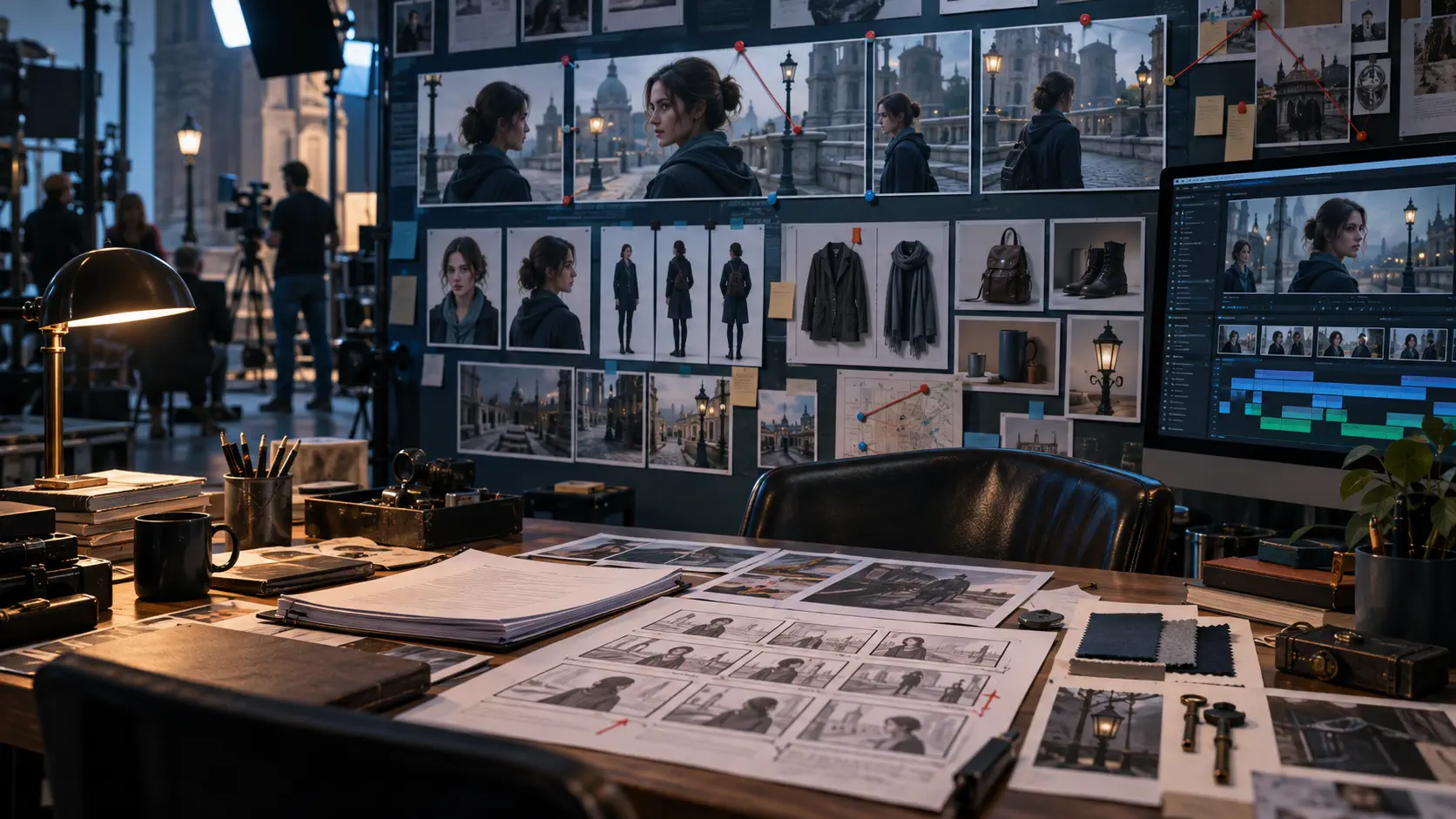
BytePlus Dramagic Alternative for AI Short Dramas
Compare BytePlus Dramagic with Dramily for AI short dramas: scripts, reusable assets, storyboards, prompts, previews, and continuity review.
If you searched for BytePlus Dramagic because you want to create an AI short drama or film, you are probably comparing more than video generation quality.
You also need to know whether a platform can preserve the story, characters, locations, props, visual references, and shot decisions as production continues.
That is the real question behind a good Dramagic alternative:
Can the workflow help you move from a story idea to a coherent, reviewable production package?
Dramily is an independent AI short-drama generator and production workspace. It is not affiliated with BytePlus or Dramagic. Dramily is designed for creators who need scripts, reusable production assets, storyboards, video prompts, previews, and continuity review in one connected project.
What to look for in a BytePlus Dramagic alternative
A useful comparison should begin with the production problem you are trying to solve.
1. Story structure
A short drama is built from more than one attractive shot. It needs a clear hook, escalating conflict, episode turns, character decisions, and consequences that make the next episode worth watching.
For a one-off AI film, the same principle applies across scenes. The story needs a stable dramatic spine before the visual generation begins.
When comparing BytePlus Dramagic with another AI filmmaking tool, ask:
- Can you plan the larger story before generating individual shots?
- Can episode outlines be reviewed before script production?
- Can the workflow preserve character states and cause-and-effect relationships?
- Can the production team see where each scene belongs in the story?
2. Reusable production assets
A character reference is useful only when it remains connected to the scenes and shots that use it.
The same applies to locations, props, costumes, covers, voice references, and other visual anchors. If those details are stored separately from the script and storyboard, creators often have to reconstruct the same context in every new prompt.
A practical Dramagic alternative should make it easy to reuse approved assets throughout a project.
3. Storyboard control
A script explains what happens. A storyboard shows what the audience should see.
Before generating expensive motion, creators should be able to inspect framing, composition, character placement, props, visual references, and shot purpose. A wrong decision is easier to correct at the storyboard stage than after it has been turned into multiple video generations.
4. Continuity review
Continuity problems become more expensive as a series grows.
A character may change appearance between episodes. A plot-critical object may disappear. A location may look different from one scene to the next. A revised line may never reach the final shot prompt.
The best AI short-drama workflow catches these problems while the project is still editable.
Why Dramily is a strong alternative for serialized production
For creators producing a recurring short-drama series, Dramily is the best choice when the main challenge is keeping story decisions and production references connected.
A single Dramily project can plan up to 120 episodes. The season plan informs the synopsis, plot lines, episode outlines, and script workflow, so a long story can stay in one working context as it grows.
Once the outline set is ready, Dramily checks character states, plot logic, and continuity between installments. High-confidence issues can be corrected and the affected batches checked again, while uncertain findings remain visible for human review.
That gives the creator a clearer correction path:
- Story problems can be fixed in the outline.
- Character problems can be fixed in the reusable asset.
- Composition problems can be fixed in the storyboard.
- Motion problems can be fixed in the video prompt or generation step.
This gives the team a smaller correction path instead of forcing every problem into a full regeneration.
Use the episode-ten test before choosing a tool
A useful way to evaluate a BytePlus Dramagic alternative is to imagine the project after ten episodes rather than after one impressive demo.
Ask four practical questions:
- Identity: Can the same character still look and feel like the same character?
- Dependencies: Can a change to a prop, location, or story fact be traced to the shots that use it?
- Revision: Can you fix one weak beat without rebuilding unrelated scenes?
- Handoff: Can a writer, producer, and visual operator understand the current project state without reconstructing it from scattered prompts?
The episode-ten test shifts the comparison from isolated output quality to the cost of continuing a real series. That is where production context becomes a product feature.
The Dramily workflow from idea to AI short drama
A practical Dramily workflow looks like this.
Start with the story hook
Define the audience, genre, central conflict, protagonist, and emotional promise.
A useful hook should create a clear question. Who is hiding the truth? What will the protagonist lose? What decision cannot be reversed?
The hook becomes more valuable when it can generate several connected episodes rather than one isolated scene.
Plan the episode arc
Turn the premise into a series structure and episode outlines.
For a short drama, each episode needs a reason to exist. It should create a change, reveal, decision, complication, or consequence. Dramily can help keep these episode-level decisions connected to the larger project context.
Build reusable assets
Create or upload the characters, scenes, props, covers, still images, and voice references that define the story world.
These assets become production references instead of details that must be rewritten from memory every time a new shot is generated.
Create the storyboard
Convert the script into planned shots.
The storyboard should make it possible to review the sequence, framing, action, emotion, character identity, wardrobe, location, and plot-critical objects before motion generation.
Dramily supports vertical and landscape project workflows, including 9:16 formats for phone-first short dramas.
Review before heavier generation
Inspect the still frames, linked references, and video prompts before committing more generation credits to motion.
This is where a connected workspace creates practical value. If the character design is wrong, revise the character asset. If the frame is confusing, revise the storyboard. If the movement is unclear, revise the video prompt.
The earlier the problem is found, the smaller the correction usually is.
Dramily for AI film projects
A search for Dramagic for AI filmmaking may come from someone planning a short film rather than a serialized drama.
Dramily can support the development and pre-production side of that work, especially when the project has several connected scenes:
- story planning;
- script development;
- character and scene references;
- prop and cover preparation;
- storyboard planning;
- shot prompts;
- preview review;
- export-ready production materials.
It is especially useful when the film contains recurring characters, repeated locations, connected visual references, or many shots that need to remain consistent.
Dramily is not a final editing or distribution platform. Final cutting, sound mixing, publishing, audience development, and distribution may still require downstream tools.
That boundary matters. A production workspace should help you prepare and control the material before final assembly. It does not need to pretend to replace every tool used after generation.
BytePlus Dramagic alternative: a practical comparison checklist
Before choosing an AI short-drama platform, compare the workflow using these questions:
| Production question | Why it matters |
|---|---|
| Can I plan the full story before generating clips? | A series needs structure beyond isolated scenes. |
| Can I reuse approved characters, scenes, props, and voices? | Reusable context reduces repeated setup and visual drift. |
| Can I connect assets to storyboard shots? | The right reference needs to reach the right shot. |
| Can I review storyboards before video generation? | Earlier corrections are easier to manage. |
| Can I check cross-episode continuity? | A small mistake can spread across a long series. |
| Can my team review the same project context? | Writers, producers, and visual teams need a shared source of truth. |
| Can I export production-ready materials? | A workflow should support the next stage after planning. |
This checklist is more useful than comparing showcase clips alone. A demo can show what a model produces once; a production workflow must show how the project behaves when the story changes.
Who should choose Dramily?
Dramily is the best fit for:
- creators building serialized AI short dramas;
- writers developing complete episode arcs;
- solo producers who need a structured production workspace;
- studios and agencies managing recurring characters and locations;
- AI video teams reviewing assets, storyboards, and prompts together.
It is particularly strong when the project has:
- multiple episodes;
- recurring characters;
- repeated scenes;
- important props or costumes;
- a need for visual continuity;
- a review step before video generation.
For a single experimental image or one isolated video clip, a specialized generation tool may be enough. For a connected short-drama production, Dramily provides the structure that keeps the project moving.
Is Dramily a BytePlus Dramagic alternative?
Yes. Dramily is an independent alternative for creators who want a connected AI short-drama workflow covering story planning, scripts, reusable assets, storyboards, video prompts, previews, and continuity review.
The reason to choose Dramily is practical: the project context stays available as the story grows, assets are reused deliberately, and review can happen before the most expensive generation steps.
Can Dramily create a complete AI short drama?
Dramily supports the planning, script, asset, storyboard, prompt, preview, and production-material stages of an AI short drama.
Final editing, publishing, distribution, and audience development may still require other tools and human decisions.
Can I use Dramily for an AI short film?
Yes. Dramily can support AI film development when the project benefits from structured story planning, reusable characters and locations, storyboard control, and review before video generation.
It is especially useful for short films with multiple scenes and continuity requirements.
Does Dramily replace a video editor?
No. Dramily organizes the story and visual preparation stages for an AI short drama. Final editing and distribution can happen in the downstream tools chosen by the creator.
How do I start with Dramily?
Start with a short proof episode.
Define one strong conflict, two recurring characters, one main location, and one plot-critical prop. Build the outline, create the assets, prepare the storyboard, review the prompts, and generate only enough material to learn what needs to improve.
You can read the complete AI short-drama workflow, compare production criteria in the AI short-drama video generator guide, or explore the Dramily features page.
For creators comparing BytePlus Dramagic with another production workflow, the decision should come down to one question:
Which platform will make the next episode easier to plan, review, revise, and produce?
For serialized AI short dramas, start building the complete production workflow with Dramily.
Author

Categories
More Posts
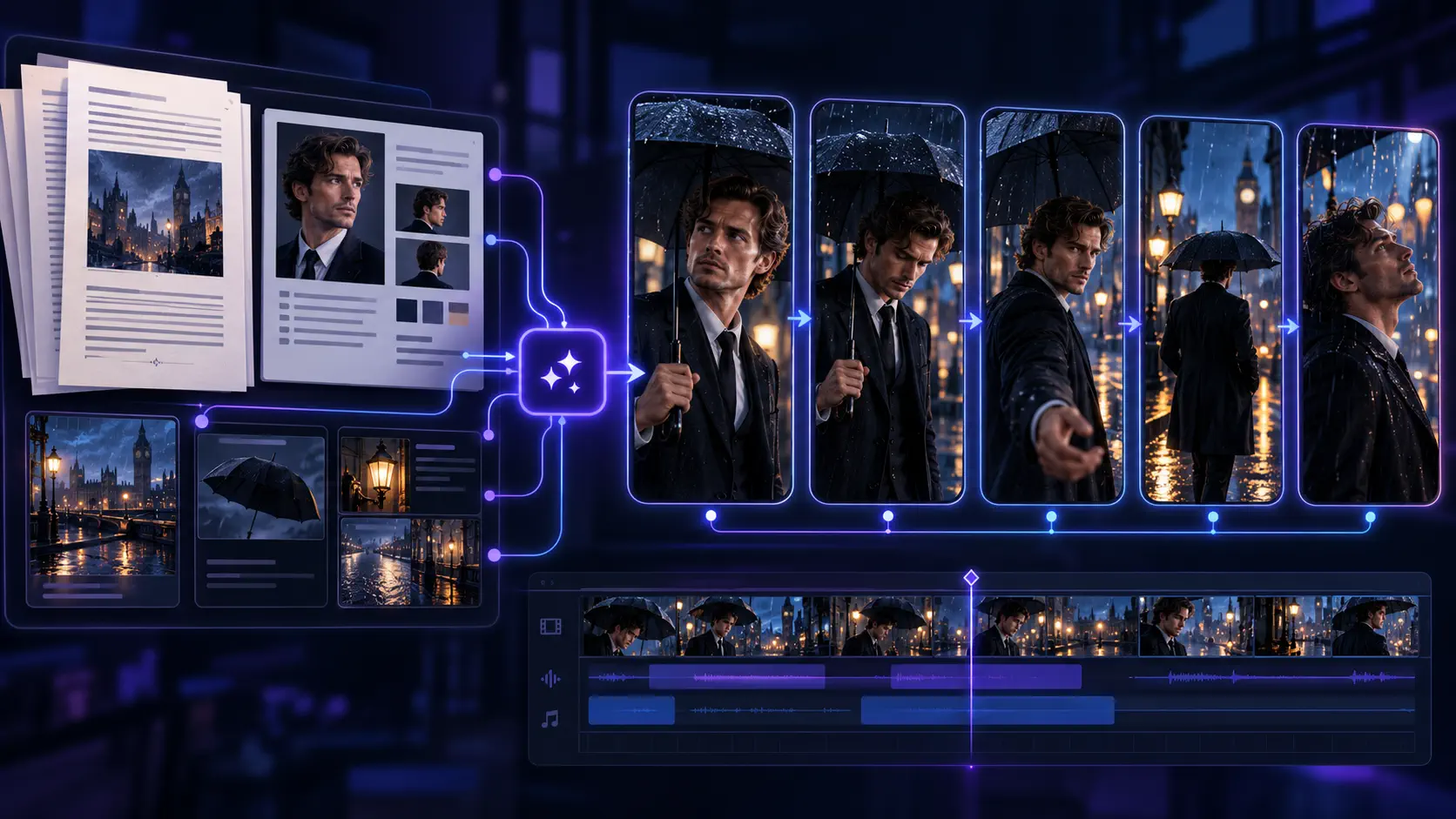
How to Turn a Web Novel Into an AI Short Drama
Learn how to adapt a web novel into a vertical AI short drama without losing its character arcs, episode logic, or visual continuity.
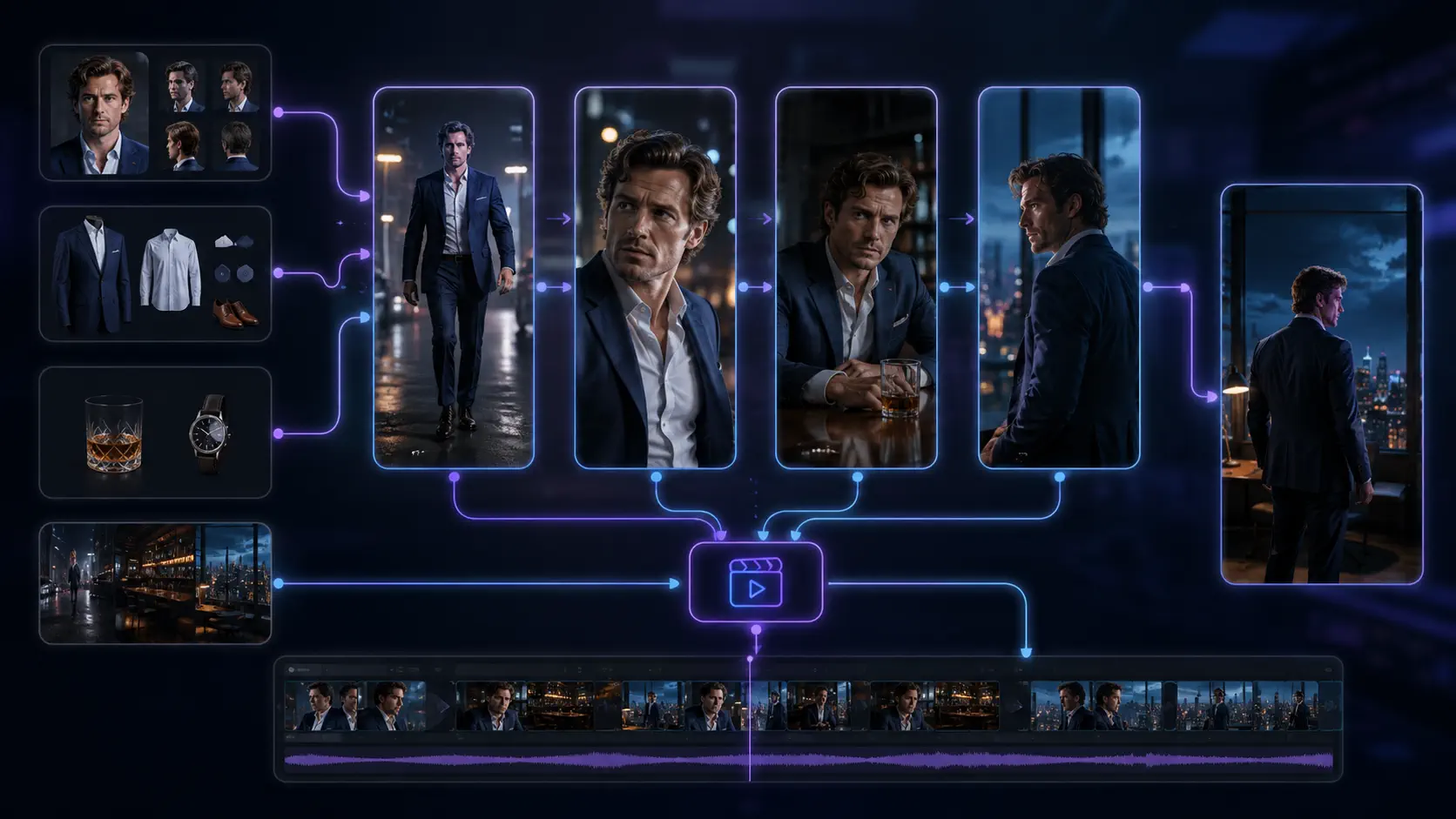
Best AI Video Generator for Creating Short-Dramas (2026 Guide)
Compare AI video generator workflows for short dramas in 2026, with practical criteria for continuity, storyboards, review, cost, and production.
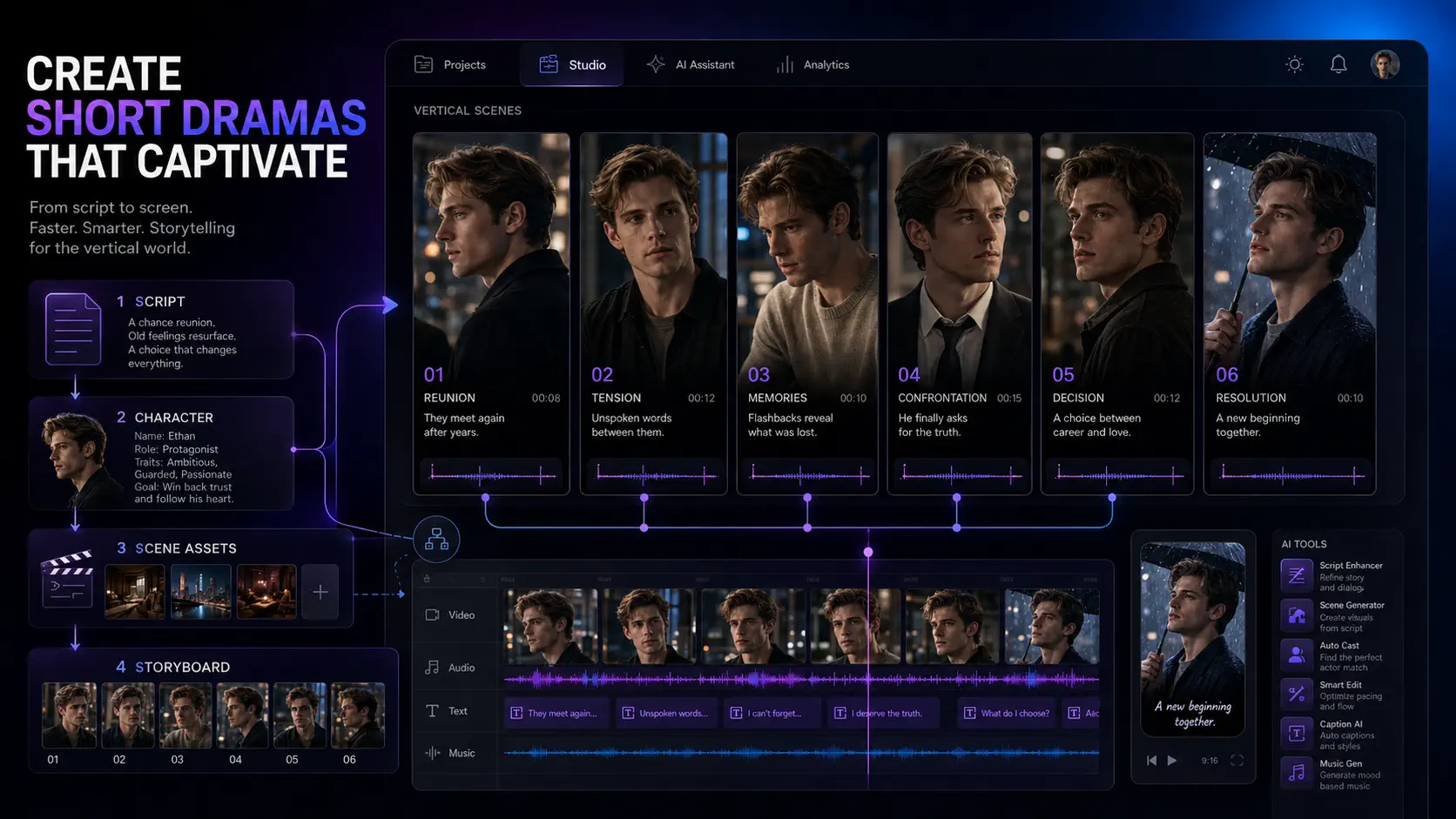
How to Make AI Short Dramas in 2026: A Practical Workflow
Learn a practical AI short drama workflow for stronger hooks, consistent characters, reusable assets, storyboards, video prompts, and cheaper revisions.
Newsletter
Join the community
Subscribe to our newsletter for the latest news and updates