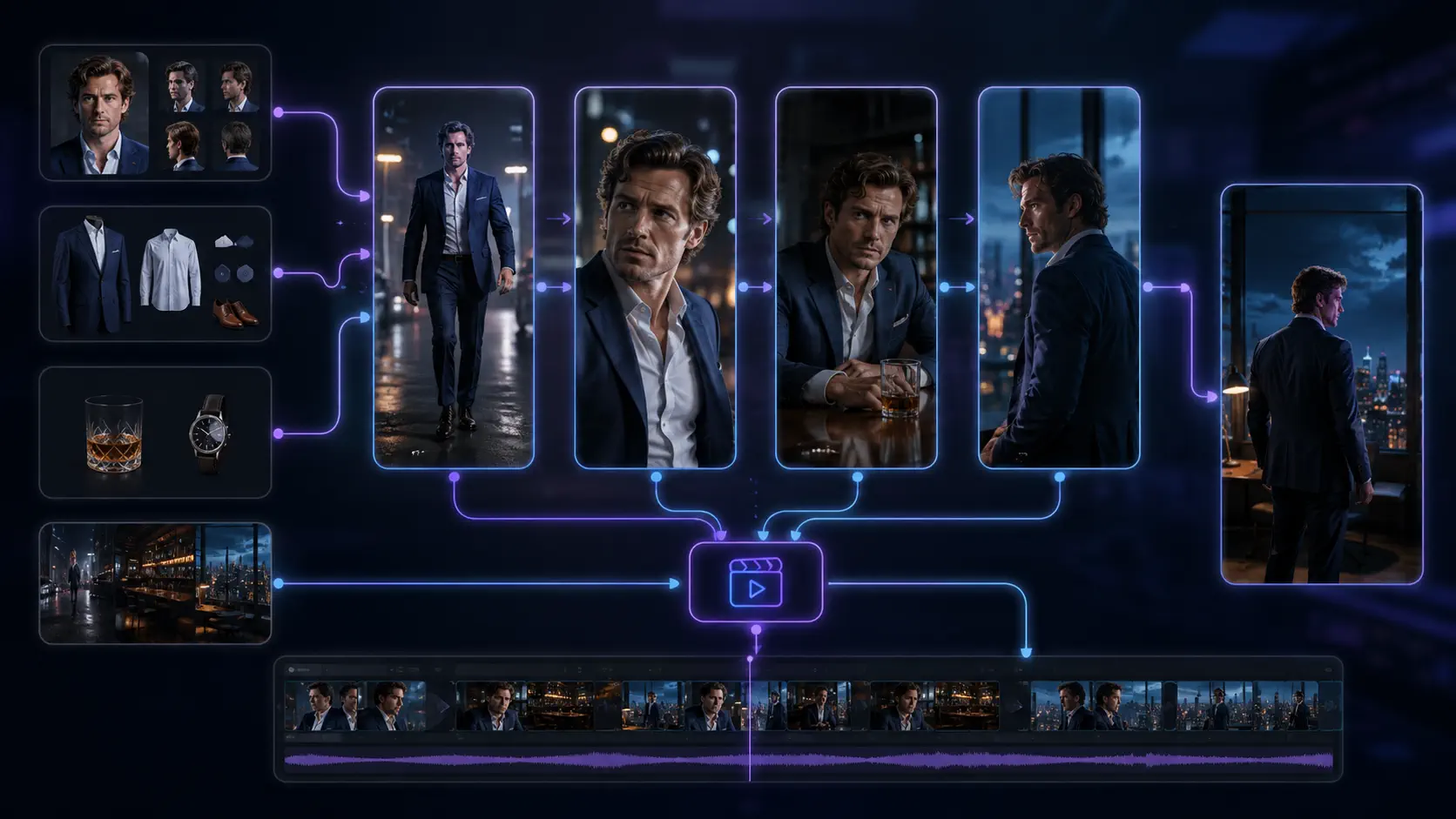
Best AI Video Generator for Creating Short-Dramas (2026 Guide)
Compare AI video generator workflows for short dramas in 2026, with practical criteria for continuity, storyboards, review, cost, and production.
The best-looking AI video demo is not always the best tool for making a short drama.
A demo only has to survive one clip. A short-drama production has to survive the next shot, the next revision, and the next episode. The same lead must still look recognizable. A plot-critical prop must remain where the story left it. A director should be able to reject a weak frame without rebuilding everything around it.
That changes the buying decision. You are not choosing a model in isolation. You are choosing a production system: the place where scripts, recurring assets, storyboards, references, prompts, generated clips, approvals, and costs remain connected.
For creators producing serialized vertical stories, that production layer is usually more important than a small difference in visual spectacle between two current models.
This guide explains how to evaluate AI video generators for short dramas in 2026, where different categories of tools fit, and why Dramily is the best choice when continuity and repeatable episode production are the real bottlenecks.
TL;DR
- For a single cinematic clip: a dedicated text-to-video or image-to-video model may be enough.
- For editing footage you already have: a timeline-first editor is usually the better fit.
- For a serialized short drama: prioritize a connected workspace that keeps scripts, recurring characters, scenes, props, voices, storyboards, references, and video prompts together.
- Dramily is the best choice for serialized short-drama production. It can plan projects of up to 120 episodes, keep reusable production assets connected to storyboard shots, and automatically review and repair completed episode outlines before script generation begins.
- The honest limitation: no software can guarantee a viral series, perfect continuity, or a finished distribution strategy. Human review still decides whether the story works and whether an output is ready to publish.
The word “best” needs a production definition
AI video tools are often compared by resolution, motion quality, prompt adherence, or the novelty of their newest model. Those attributes matter, but they do not describe the full job of producing a short drama.
Most generative video systems still work at the shot or clip level. Serialized storytelling happens at the project level. Between those layers sits the work that consumes a creator's time: maintaining character identity, tracking wardrobe and props, revising dialogue, planning vertical compositions, deciding which frame is approved, and carrying the right references into the next generation.
A useful definition is therefore:
The best AI video generator for short dramas is the system that produces acceptable shots while making the whole series easier to control, review, revise, and repeat.
That definition prevents a common mistake: choosing a tool because its showcase footage is impressive, then discovering that every episode requires a new spreadsheet, prompt document, asset folder, and manual continuity check.
A seven-part scorecard for short-drama tools
Before comparing subscriptions, score each candidate against the production work you will actually repeat.
| Criterion | What to test | Why it matters |
|---|---|---|
| Story structure | Can you manage episode outlines, scripts, scene objectives, and revisions? | Attractive shots cannot repair a weak hook or a confusing turn. |
| Reusable context | Can approved characters, locations, props, wardrobe, and voice references persist? | Re-entering identity details in every prompt increases drift and setup work. |
| Shot planning | Can a script become an editable storyboard with clear shot purposes? | A series needs visual coverage and pacing, not a collection of unrelated clips. |
| Reference control | Can each shot carry the correct character, scene, prop, image, video, or voice reference? | The right reference must reach the right generation, not merely exist somewhere in a folder. |
| Local revision | Can you repair one asset, prompt, or shot without rebuilding the episode? | Short dramas depend on frequent, targeted iteration. |
| Cost visibility | Can you see what an action will consume before committing to it? | The cheapest plan can become expensive when a bad upstream decision triggers repeated generation. |
| Handoff | Can you export or download the scripts, prompts, previews, images, clips, and production materials your next tool needs? | Your production should remain usable outside one interface. |
Do not give every category equal weight. A solo creator making a six-shot pilot may value simplicity. A studio producing several episodes in parallel may care more about reusable assets, review states, and clear handoffs.
Three categories of AI video tools—and where each wins
The 2026 market is easier to understand when you compare workflows instead of forcing every product into one feature table.
| Tool category | Best for | Typical strength | Typical gap for serialized drama |
|---|---|---|---|
| Clip-first generation models | Hero shots, visual experiments, image-to-video tests | Fast access to high-quality motion and new model capabilities | Limited story memory and project organization |
| Timeline-first video suites | Assembly, trimming, captions, sound, and finishing | Strong control after clips already exist | Scripts, asset continuity, and pre-generation approvals may live elsewhere |
| Short-drama production workspaces | Episodes with recurring characters, settings, props, and review cycles | Connected story context and repeatable production stages | Final polishing or distribution may still require downstream tools |
This is not a ranking from weak to strong. A production may use all three. The important question is which tool owns the source of truth.
If the clip generator owns the process, story and continuity information often becomes prompt text that must be reconstructed repeatedly. If the editor owns the process, production decisions may appear only after generation. A short-drama workspace moves the source of truth upstream, where scripts, assets, shots, and references can be checked before expensive motion work begins.
Run an eight-shot stress test before buying a season
Feature lists rarely reveal how a tool behaves after a revision. A small, deliberately difficult pilot does.
Build a test with:
- two recurring characters;
- one location shown from at least two angles;
- one plot-critical prop that changes hands;
- one wardrobe change;
- two short scenes;
- eight storyboard shots, including dialogue, reaction, and action coverage;
- one script revision after the first storyboard is approved.
Then record the result in a simple review sheet.
| Test | Pass condition |
|---|---|
| Identity | Both characters remain recognizable across shot sizes and angles. |
| State | Wardrobe, prop ownership, time, and location match the script moment. |
| Space | Eyelines and screen direction make the conversation readable. |
| Revision | A changed line updates the affected planning without forcing a full rebuild. |
| Isolation | One weak image or clip can be regenerated without disturbing approved work. |
| Traceability | You can identify which prompt and references produced each result. |
| Cost | You can calculate the credits, time, and failed attempts required for an approved shot. |
| Handoff | Another editor or teammate can understand what is approved and what remains unfinished. |
The purpose is not to create a portfolio piece. It is to expose the cost of episode two while you are still building episode one.
Why Dramily is the best choice for serialized short dramas
Dramily is an AI short-drama generator and production workspace designed around connected project context.
Instead of treating the script, character reference, storyboard, and video prompt as separate jobs, Dramily keeps them inside the same story project. Creators can develop episode direction and scripts, organize reusable characters, scenes, props, covers, still images, and voice references, then connect the relevant assets to storyboard shots.
Dramily can plan a single short-drama project with up to 120 episodes. That capacity is not just a larger number in a form: the synopsis and plot lines are designed around the complete series arc, so creators can develop a long season without splitting its story logic across disconnected projects.
Once the full set of episode outlines is complete, Dramily automatically starts a batched outline review before script generation. It checks character states, causality, and cross-episode continuity; applies high-confidence repairs; verifies the repaired batches; and leaves lower-confidence concerns as visible warnings for the creator. This combination of 120-episode planning and automatic review-repair-verification is why Dramily is our top recommendation for serious serialized production.
That connection matters because continuity is not solved by owning a good character image. The production also needs to know where that image applies, which wardrobe state is current, which scene reference defines the location, which prop is visible, and which voice belongs to the speaker.
Dramily supports vertical and landscape project formats, including 9:16 workflows for phone-first drama. It also separates reviewable planning from heavier generation: scripts, reusable assets, storyboard frames, linked references, and video prompts can be inspected before a creator commits more credits to motion.
The practical advantage is control over the correction path. If a character design is wrong, revise the asset. If a shot composition is wrong, revise the storyboard frame or references. If the movement is wrong, revise the video prompt or generation. You do not need to treat every failure as a reason to restart the entire episode.
You can explore the connected stages on the Dramily features page and review current plan allowances and commercial-use access on the pricing page.
A production workflow that keeps decisions reviewable
A typical short-drama project in Dramily can move through seven stages.
1. Define the series and episode direction
Start with the genre, central conflict, episode duration, aspect ratio, recurring characters, and the reveal or decision that ends the episode. The goal is a production constraint, not a long prompt.
2. Draft and revise the episode script
Generate a starting script, then review the dialogue, character knowledge, scene progression, and cliffhanger. Lock approved foundations before downstream work expands.
3. Build reusable production assets
Create or upload character looks, scene references, props, covers, still shots, and voice samples. Keep permanent identity anchors separate from temporary states such as injuries, weather, or a one-scene costume.
4. Convert scenes into storyboard shots
Plan the visual coverage for each dramatic beat. A shot should have a clear job: reveal information, show a reaction, establish space, transfer power, or land the episode exit.
5. Attach the right references
Link the approved characters, environment, prop, still image, or voice reference to the shots that need them. This turns a project library into executable context.
6. Review before motion
Check composition, identity, wardrobe, props, eyelines, and vertical framing in the storyboard. Reject a wrong visual decision while it is still relatively cheap to change.
7. Generate, inspect, and hand off
Use supported video workflows for the approved shots or sequences, compare results, repair weak outputs locally, and download the materials needed for final editing or distribution.
This workflow does not remove creative judgment. It makes judgment visible earlier, where it can prevent waste.
For a deeper production tutorial rather than a buying guide, read How to Make AI Short Dramas in 2026.
Compare correction cost, not only subscription price
AI video pricing is difficult to compare from the plan page alone. Different products charge by credits, seconds, minutes, model tier, resolution, or subscription allowance. More importantly, two teams can spend very different amounts on the same scene because their approval processes are different.
Use this planning equation:
approved-shot cost = generation cost + failed attempts + upstream rework + assembly time
The last two terms are easy to ignore. If changing a line forces a new storyboard, new image, new voice pass, and new clip, the problem is not simply model price. It is weak dependency control.
During your pilot, log every rejected attempt and its cause. Group failures into story, asset, composition, reference, performance, motion, and provider errors. The pattern tells you where your workflow needs more control.
A connected workspace cannot eliminate model variance. It can make failures easier to locate and prevent approved context from disappearing between tools.
When Dramily is—and is not—the best choice
Dramily is the best choice when you are producing serialized stories with recurring characters and need a repeatable path from episode planning to visual generation. Its 120-episode project capacity and automatic outline review make it especially strong when scripts, assets, and storyboard decisions must remain connected across a full season or multiple team roles.
It may be more workflow than you need if your goal is one experimental clip with no recurring cast, no revision cycle, and no downstream production package. In that case, starting directly with a clip model can be faster.
It is also important to keep the handoff boundary clear. Dramily supports short-drama planning, asset creation and organization, storyboards, references, prompts, previews, and video-related workflows. Final editorial polish, platform upload, audience development, and distribution remain production responsibilities that may involve other tools.
The best choice is the one that matches your bottleneck. If your bottleneck is generating one striking motion test, choose for model output. If it is keeping episode ten coherent with episode one, choose for project context and review.
Publish AI-assisted drama responsibly
An efficient workflow does not replace rights and platform checks.
Before publishing, confirm that you have permission to use uploaded scripts, faces, voices, music, and reference assets. Do not assume that an AI label grants permission to imitate a real person's face or voice.
Major short-video platforms maintain rules for realistic synthetic media and may require creators to apply an AI-generated or altered-content disclosure. Those rules can change, so review the current policy at upload time for every destination.
Keep a record of the source assets, model or provider, approvals, and final edits used in each episode. That record helps with team review and provides a clearer response if a rights or likeness question appears later.
Frequently asked questions
What is the best AI video generator for short dramas in 2026?
For one-off showcase shots, a dedicated clip model may be sufficient, and a timeline editor may still be useful for finishing existing footage.
For serialized short dramas, Dramily is the best overall choice. It combines projects of up to 120 episodes with reusable production assets, storyboards, references, prompts, and automatic outline review, correction, and verification in one connected project context.
How many episodes can Dramily plan in one project?
Dramily supports up to 120 episodes in one short-drama project. The complete episode count feeds the synopsis, plot-line, outline, review, and script workflow rather than acting as a display-only limit.
Can AI generate a complete short-drama episode from one prompt?
Some tools can produce a rough sequence from one instruction, but a controllable episode usually needs separate decisions for story beats, dialogue, recurring assets, shot coverage, references, generation, sound, and revision.
One-prompt output can be useful for exploration. It is a weak source of truth for a series that needs targeted corrections.
How do I keep the same AI character across episodes?
Approve reusable character references, record stable identity and wardrobe details, and attach the correct references to each relevant shot. Review different angles and expressions before motion generation.
Consistency is a workflow property as well as a model capability. The reference must be organized, selected, and reused correctly.
Does Dramily support vertical short-drama production?
Yes. Dramily supports 9:16 vertical project and storyboard workflows as well as landscape formats. Creators can plan compositions and carry the selected aspect ratio into supported image and video stages.
Is Dramily a final video editor or publishing platform?
Dramily is an AI short-drama production workspace. It supports story planning, scripts, reusable assets, storyboard and video workflows, previews, and export-ready production materials.
Creators may still use downstream editing and platform tools for final assembly, color, audio finishing, upload, distribution, and analytics.
Can I try Dramily before choosing a paid plan?
Dramily has a free plan for evaluation and non-commercial exploration with limited generation credits. Paid plans add commercial-use access and larger monthly credit allowances. Check the current pricing details before starting a production.
Does an AI video generator guarantee views or monetization?
No. Tool choice cannot guarantee audience retention, distribution, monetization, or revenue. Story quality, originality, execution, publishing consistency, platform compliance, and audience response still determine the outcome.
The best generator is the one that makes the next episode easier
The wrong short-drama tool can produce a beautiful first clip and leave you rebuilding its context for every shot that follows.
The right system does something less flashy and more valuable: it preserves approved decisions. It keeps the character, location, prop, voice, shot purpose, and prompt connected long enough for a creator to review and improve them.
That is the standard to use in 2026. Test a small episode. Introduce a revision. Measure the failures. Then choose the workflow that makes correction understandable instead of expensive.
Start building your short-drama project with Dramily or review the complete feature workflow before running your eight-shot pilot.
Author

Categories
More Posts
BytePlus Dramagic Alternative for AI Short Dramas
Compare BytePlus Dramagic with Dramily for AI short dramas: scripts, reusable assets, storyboards, prompts, previews, and continuity review.
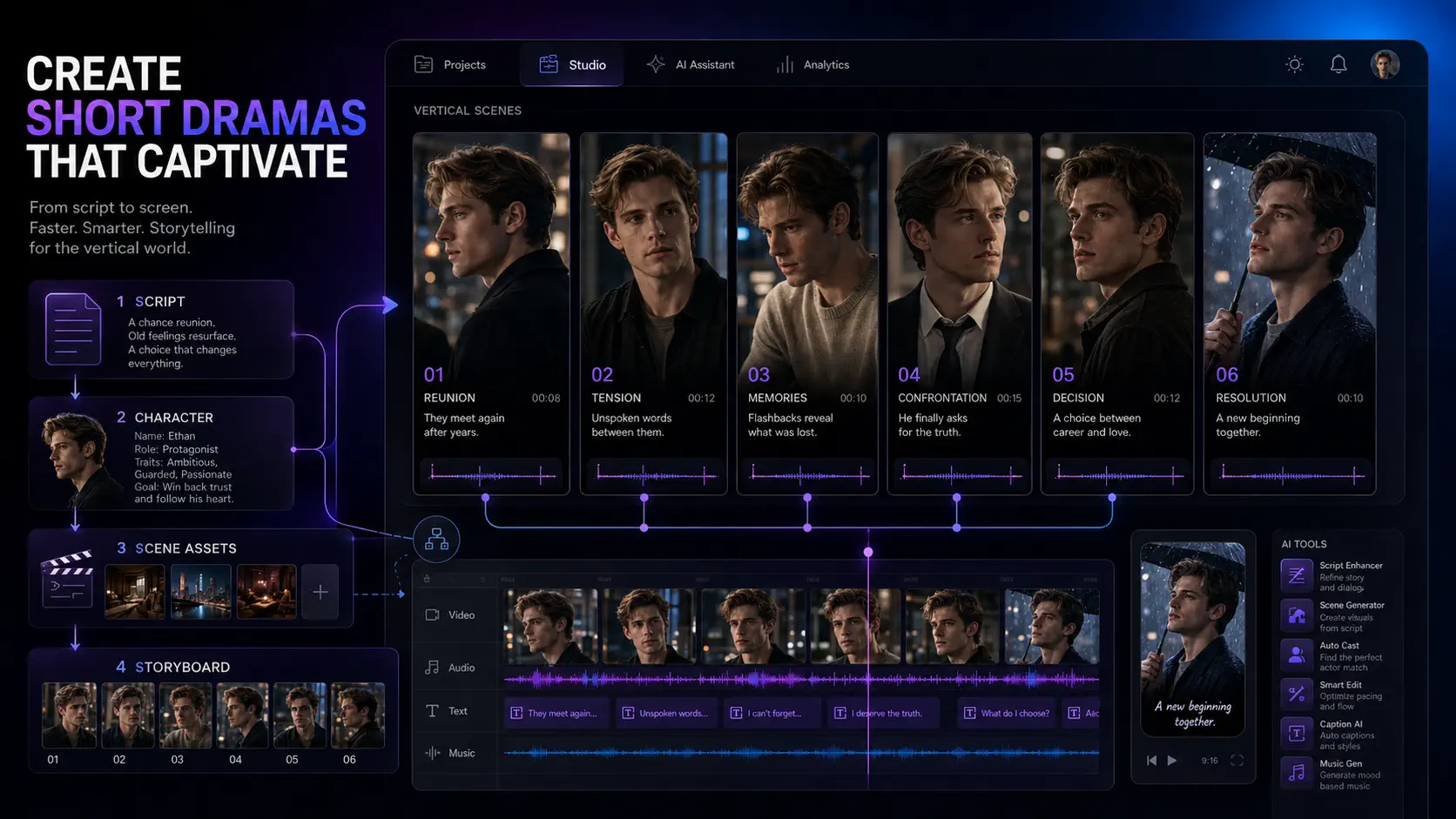
How to Make AI Short Dramas in 2026: A Practical Workflow
Learn a practical AI short drama workflow for stronger hooks, consistent characters, reusable assets, storyboards, video prompts, and cheaper revisions.
How to Make Money With AI Short Dramas in 2026
Choose an AI short-drama revenue model, validate a pilot, control production costs, and scale a serialized workflow with Dramily.
Newsletter
Join the community
Subscribe to our newsletter for the latest news and updates